

- API integrations connect ClickFlare to a platform’s account. ClickFlare then pulls data in (costs, revenue, conversions) or pushes data out (conversion events) automatically. You add these in the Integrations menu.
- Templates are preconfigured traffic sources and affiliate networks. They fill in the platform’s click ID macros and postback parameters for you, so tracking works through the URL and postback. No account connection is needed. You add these as a traffic source or affiliate network, not in the Integrations menu.
Integrations by category
Traffic Sources
Conversion API sends conversion events to the ad platform. Cost Tracking imports ad spend. Templates set up click ID macros and postbacks.
Affiliate Networks
API pulls conversions and revenue from the network (ClickBank). Templates set up the postback for networks such as Everflow, Zeydoo and Glitchy.
Search Arbitrage
Pull revenue from AFD (parked domain) feeds and RSOC feeds such as Tonic, System1 and Google AdSense.
Pay-Per-Call
Attribute phone calls to the original ad click with call tracking platforms such as Ringba and CallGrid.
E-commerce & Funnels
Track store and funnel events from Shopify, WooCommerce, Funnelish, CartPanda and Checkout Champ.
Custom Webhook
Send ClickFlare events to any platform that accepts a webhook.
Adding an API integration
API integrations live in the Integrations menu, in the left sidebar of the ClickFlare dashboard.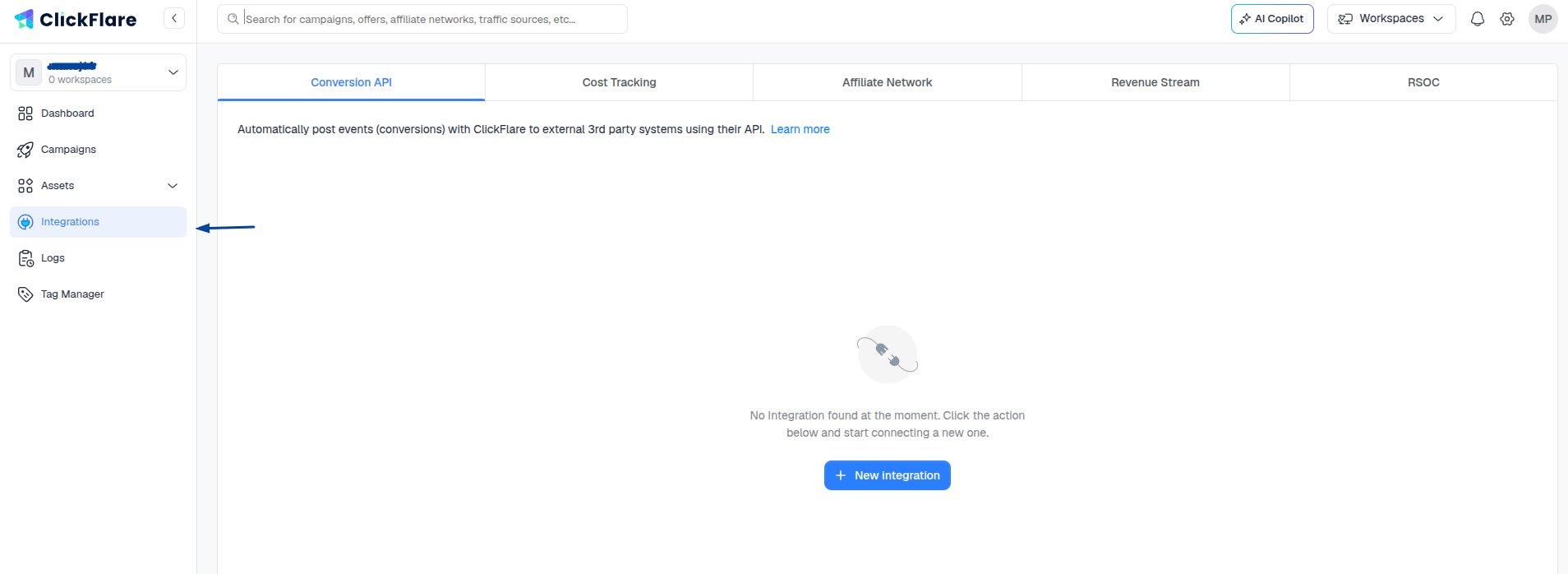
Conversion API Integrations
Conversion API Integrations
Send conversion events directly from ClickFlare to the traffic source, for platforms such as Facebook, Google Ads and TikTok.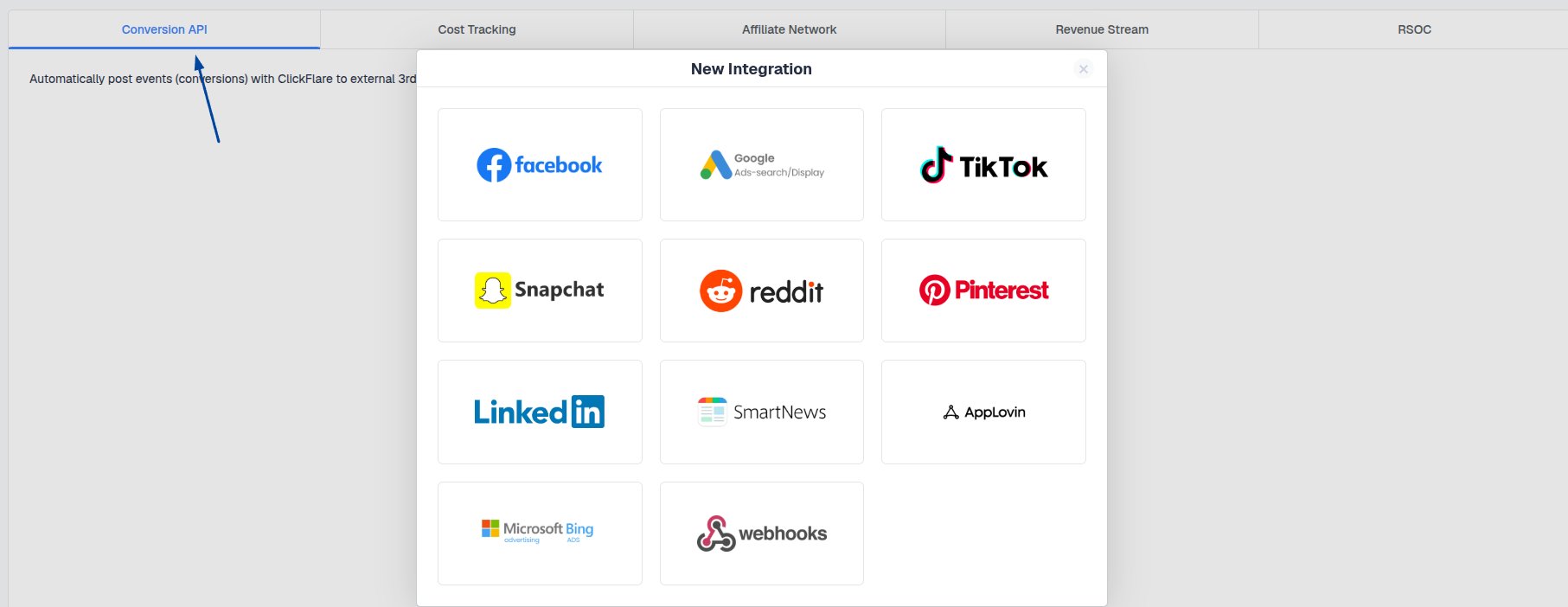
Cost Tracking Integrations
Cost Tracking Integrations
Import advertising cost data into ClickFlare from platforms such as Taboola, RevContent and Pinterest.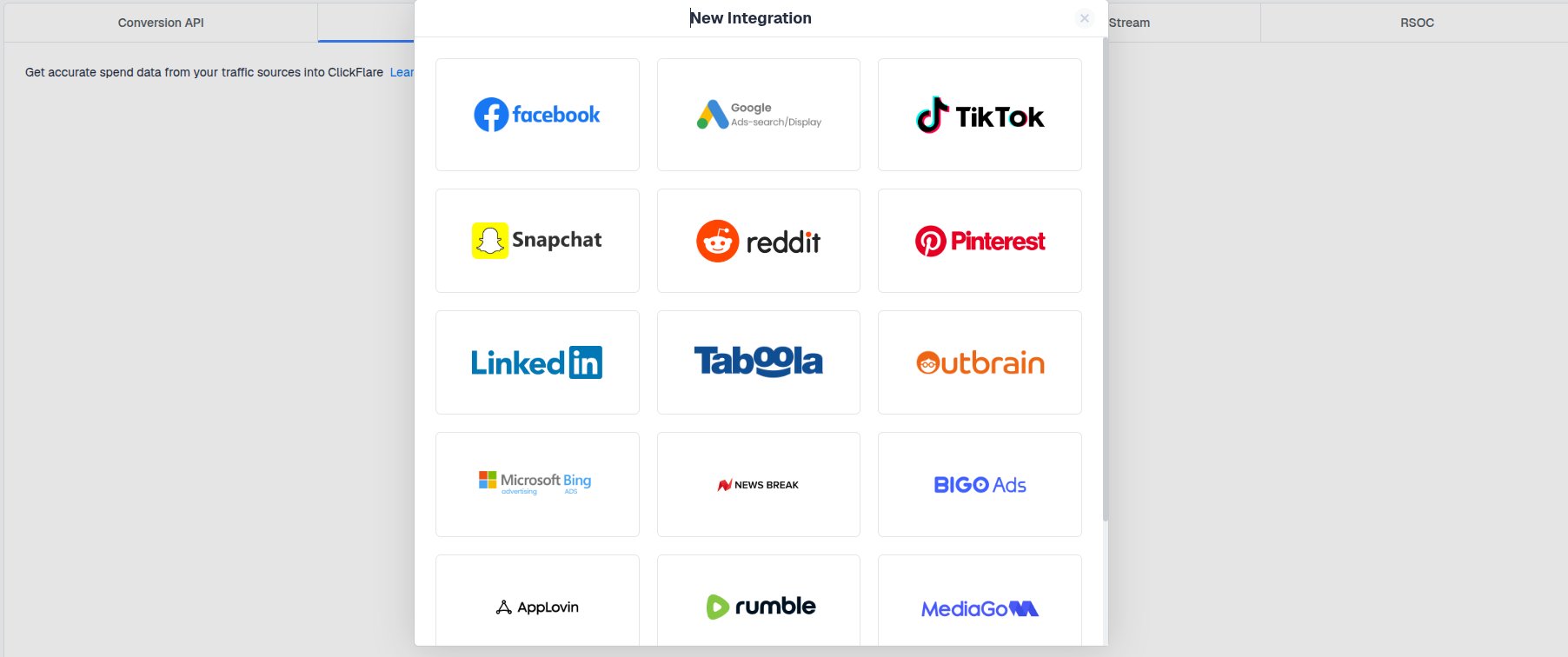
Affiliate Network Integrations
Affiliate Network Integrations
Sync conversion data from affiliate platforms such as ClickBank. The Ringba API integration is also added here.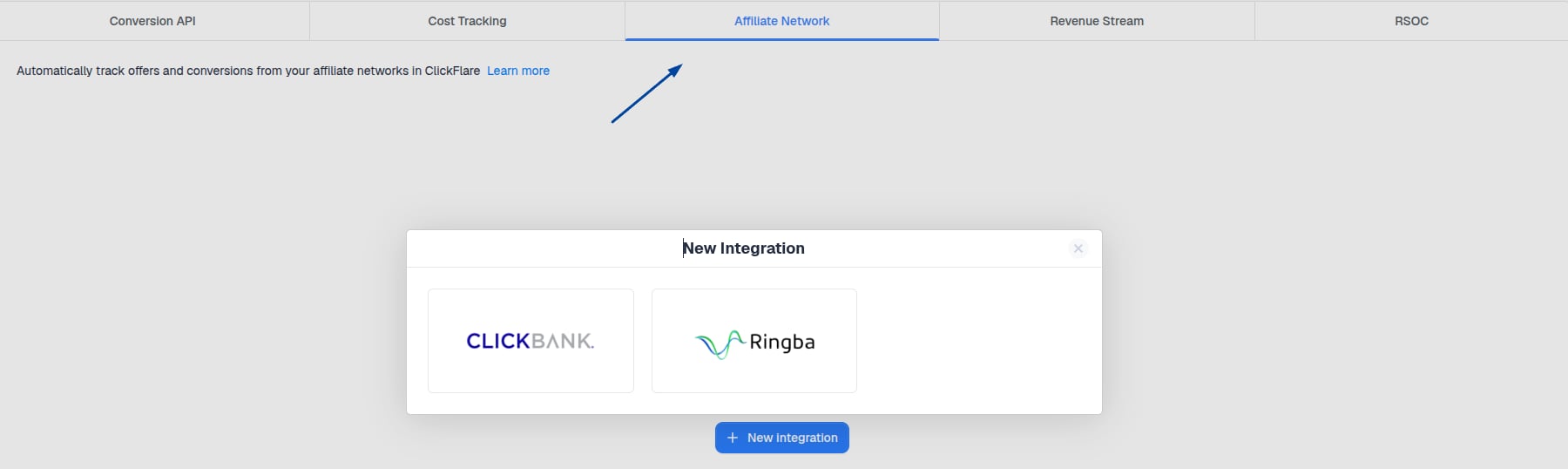
Revenue Stream Integrations (AFD)
Revenue Stream Integrations (AFD)
Pull revenue data from parked domain monetization providers such as Sedo, Bodis and DomainActive.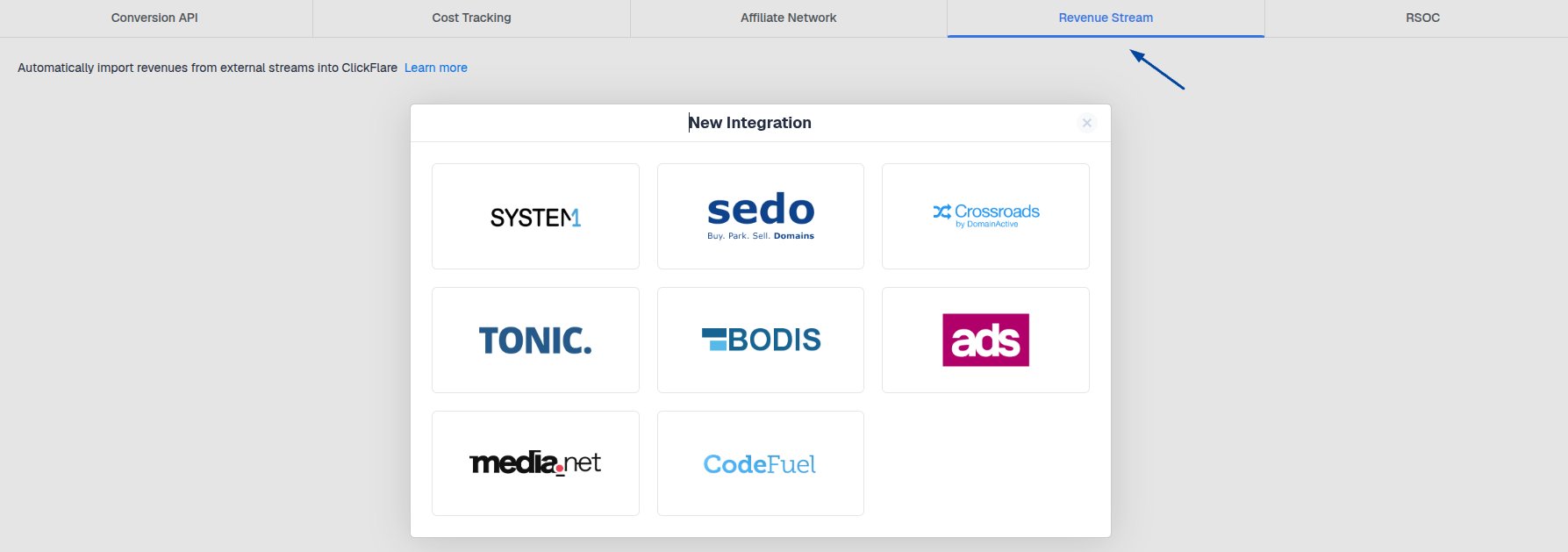
RSOC Integrations
RSOC Integrations
Pull revenue data from RSOC feeds such as Tonic, System1, Sedo and Inuvo.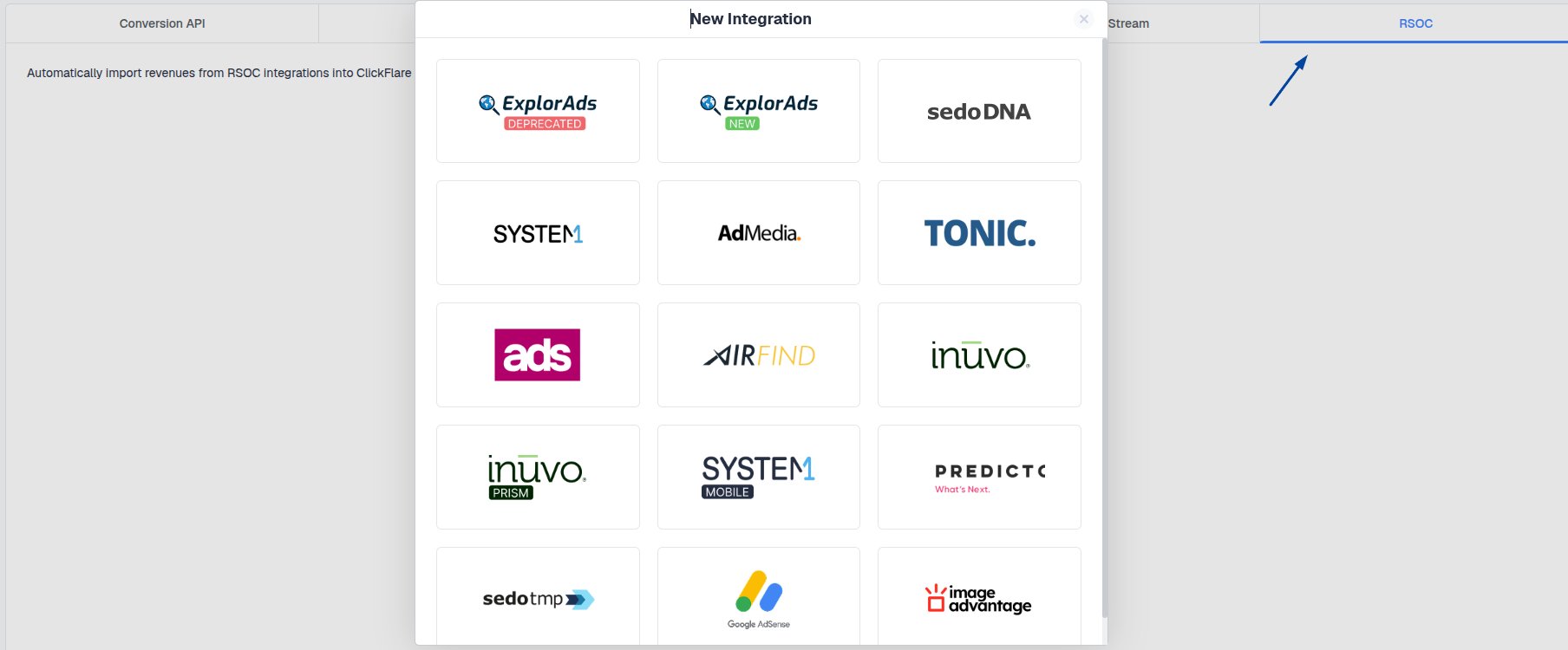
Adding a template
Templates aren’t in the Integrations menu. Add them where you create the entity:- Traffic source templates: go to Traffic Sources → New and pick the platform from the template list.
- Affiliate network templates: go to Affiliate Networks → New and pick the network from the template list.
Related
Additional parameters
Send extra customer data with Conversion API events to improve match quality.
S2S postback setup
How postback-based tracking works, for template integrations.